
One Window. Every document.
Microsoft Word —
but with all your documents together instead of one at a time.

One Window. Every document.
Microsoft Word —
but with all your documents together instead of one at a time.

One Window. Every document.
Microsoft Word —
but with all your documents together instead of one at a time.

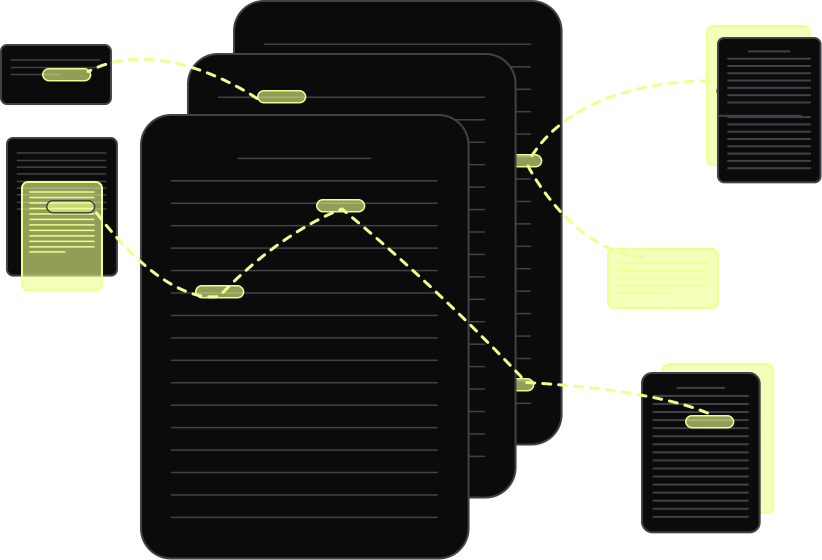
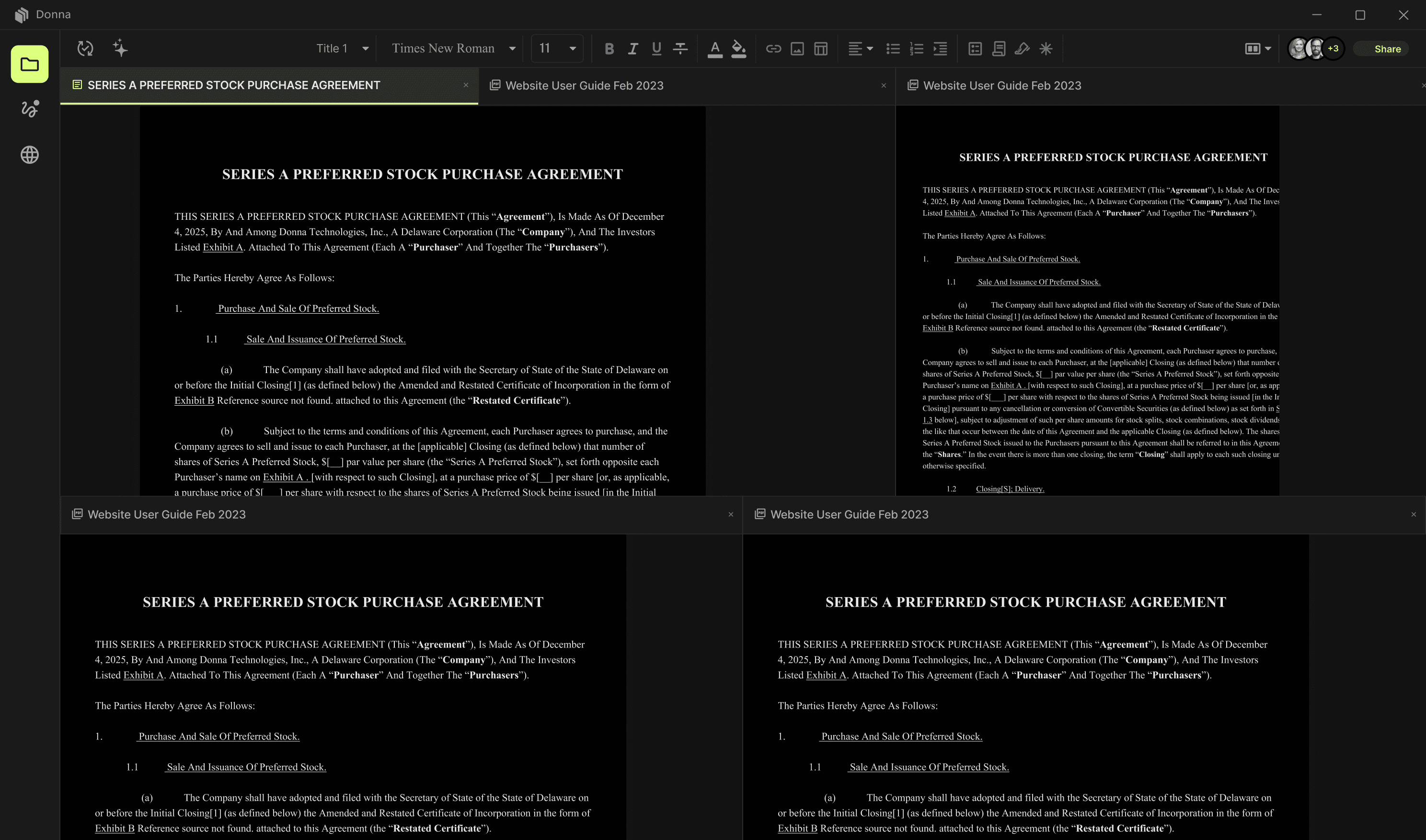
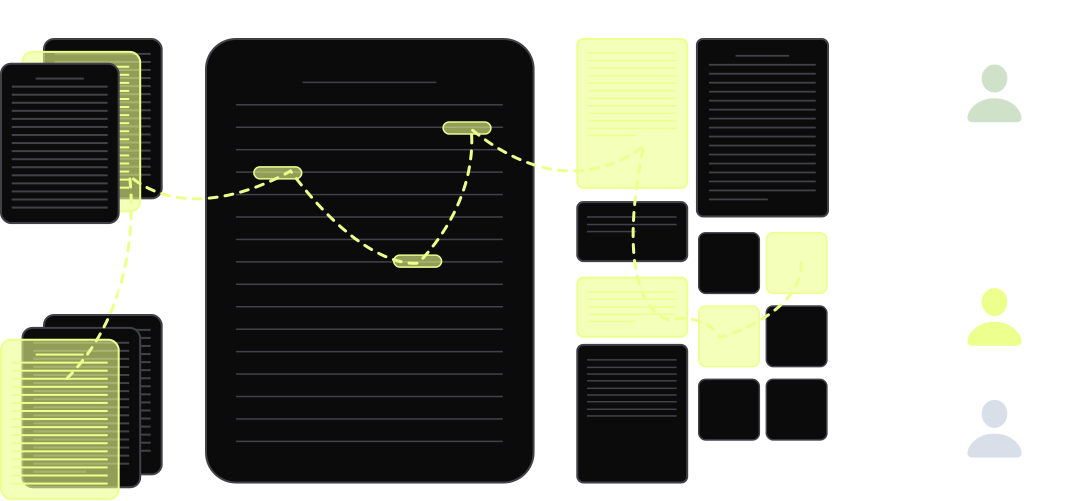
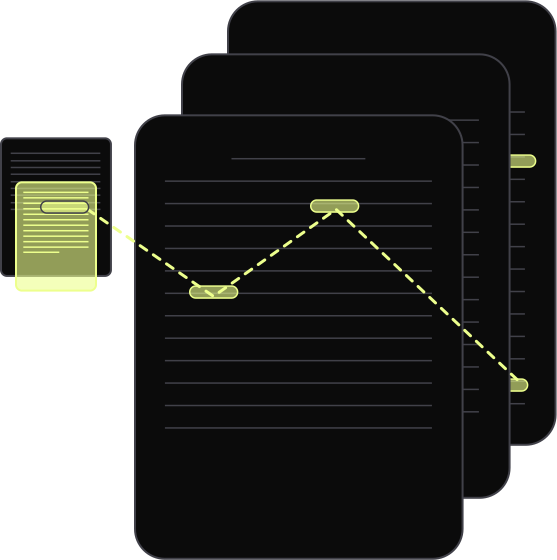
Control the clutter of too many open documents. See all of them at once in the same window. No more shuffling.

Control the clutter of too many open documents. See all of them at once in the same window. No more shuffling.

Open, edit, and save existing .docx and .pdf natively.

No copy-pasting text.

No converting between file formats.

Fintec website framer template hero section photo
Automated expenses images

Word wasn't working for us, so we redesigned the layout.

A New Hub to Edit

Word Documents

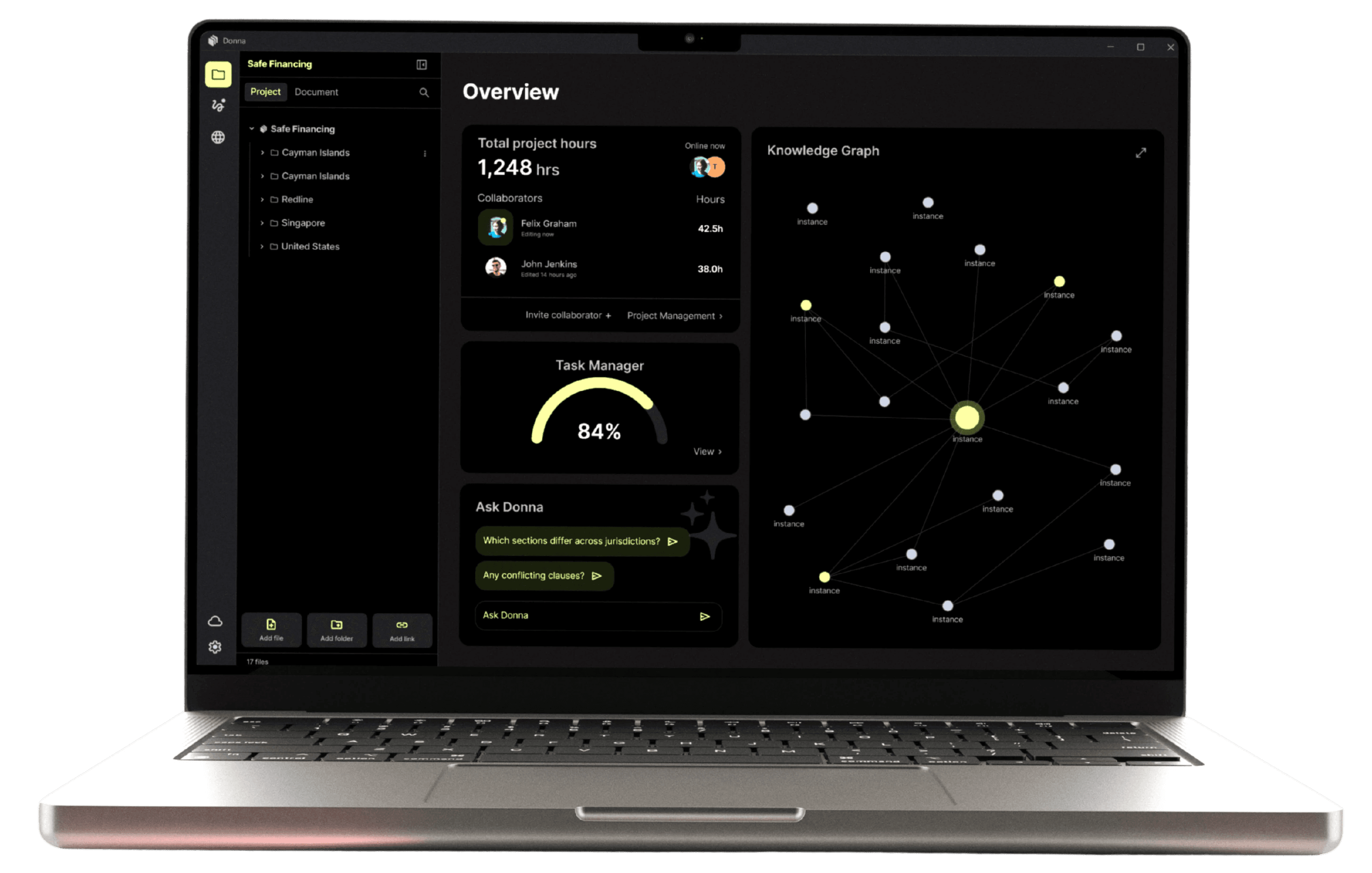
Split screens, multi-document views (up to 6 docs at a time), document folders, and new document workspace tools.
Open, edit, and save the same old Word and PDF documents. But do it without a million windows open.

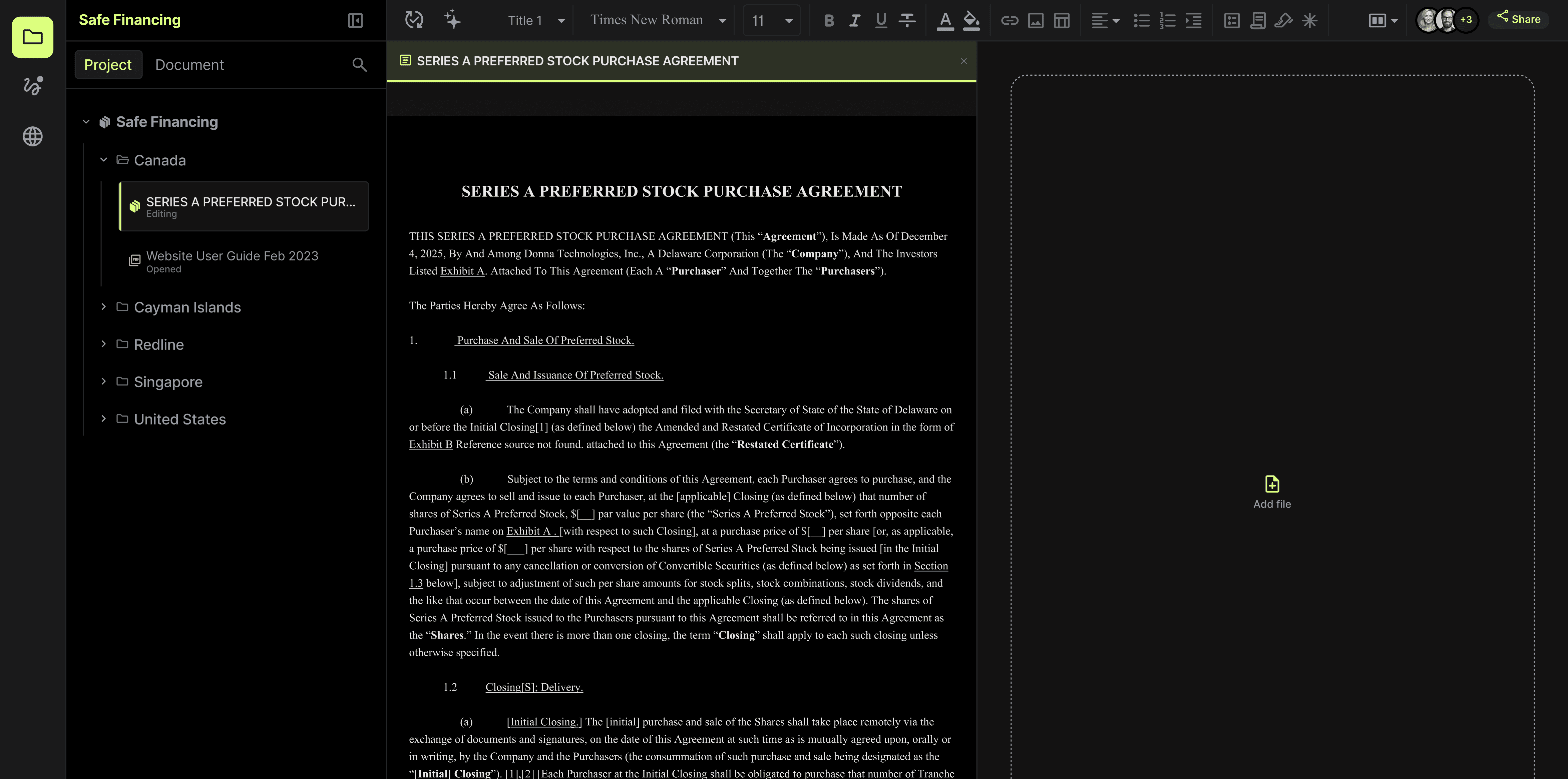
Microsoft Word reconfigured to see Many Documents Together

Open a normal Word document.

Open more in the same window. Tabs. Split Screens.

Browse your folders there. See the whole project together.

Edit them. Save and close. Use as normal.

Microsoft Word reconfigured to see Many Documents Together

Open a normal Word document.

Open more in the same window. Tabs. Split Screens.

Browse your folders there. See the whole project together.

Edit them. Save and close. Use as normal.

Browse the Internet as a new Tab inside Word.

Open a website, PDF, or other research.

Instant cross reference.

Command-F across all docs and sources at once.

An AI chatbot, if you're into that. Pick your model.

Browse the Internet as a new Tab inside Word.

Open a website, PDF, or other research.

Instant cross reference.

Command-F across all docs and sources at once.

An AI chatbot, if you're into that. Pick your model.